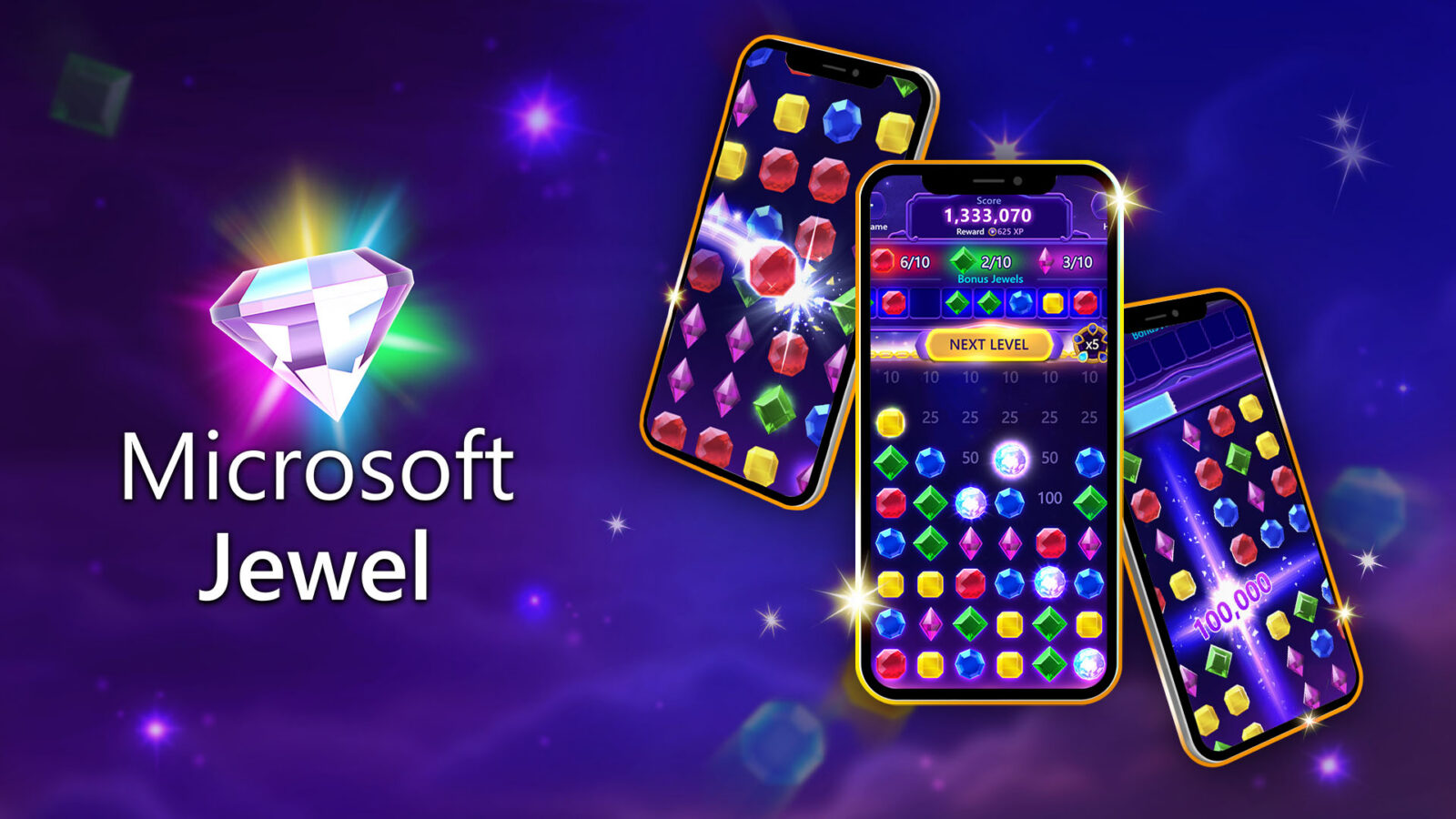
Microsoft has released Microsoft Jewel as a standalone app for iOS and Android, giving the match-three game its first dedicated mobile release outside the Xbox app and Microsoft Solitaire Collection. The launch adds Xbox achievements on phones and lets signed-in players carry progress between the mobile versions and the standalone PC app.
A familiar game in a separate app
The basic loop remains straightforward: match at least three jewels, clear space on the board, and build a score. Bonus Jewels and power-ups can create larger chain reactions, while Daily Challenges provide a changing objective for shorter sessions. Microsoft describes Jewel as the fifth mobile app from its Casual Games group and the team’s first new mobile launch in seven years.
The separate app matters most for players who previously reached Jewel through another Microsoft product. It provides a direct route to the game on both major mobile platforms, but it does not turn progress syncing into an anonymous feature. A Microsoft account sign-in is required to track achievements and move progress among iOS, Android, and PC.
Game Pass benefits depend on the tier and device
Microsoft’s announcement draws a clear line between the subscription benefits. Game Pass members receive Premium benefits on PC, including an ad-free experience and additional in-game bonuses. Game Pass Ultimate extends those Premium benefits to both PC and mobile. The company does not say that a subscription is required for the standard mobile app.
That distinction is worth checking before choosing a platform. Players interested mainly in achievements and cross-device continuity can use the Microsoft account features described for the app. Those expecting ad removal on a phone need the Ultimate tier rather than assuming every Game Pass plan applies equally across devices.
What to verify before switching devices
Players should sign in with the same Microsoft account on each version before expecting their progress to appear. The official announcement lists separate downloads for the App Store, Google Play, and PC, so installing the correct standalone version is also important. Daily Challenges, achievement tracking, and synced progression make the release more than a new shortcut, but each feature still depends on the account and platform conditions Microsoft set out.
Sources
- Reporting source: GamerHeadlines
- Primary source: Microsoft — Xbox Wire launch announcement